 by spencer k
You pull up a return and the buyer already has their money back — but nothing shipped to your dock. No box, no unit, no chance to inspect it. If you’ve noticed more of these in your reports lately, you’re seeing Amazon returnless refunds at work, and in 2026 Amazon handed sellers a lot more control over when they happen. The catch is that most sellers haven’t touched the settings, which means Amazon’s defaults are still deciding how much of your returned inventory actually comes back to you.
How Amazon returnless refunds work
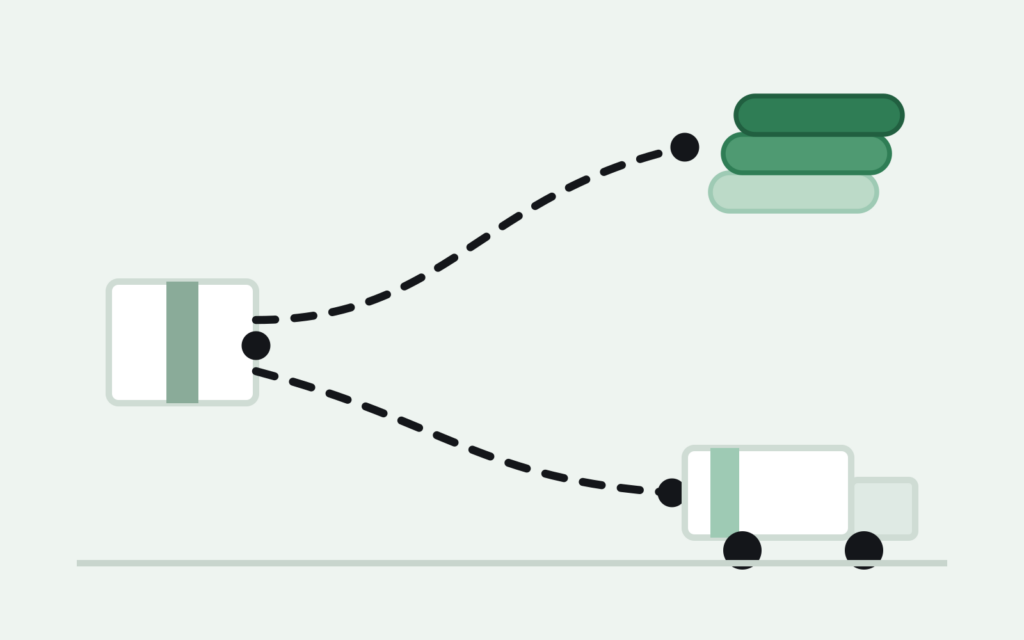
The mechanics are simple: the buyer gets refunded and keeps the item. Amazon built the program around low-cost goods, on the logic that a return label, warehouse handling, and restocking would cost more than the item is worth. For years it ran quietly in the background — Amazon decided which orders qualified based on price and category, and sellers had little visibility into which refunds skipped the return step versus which sent an actual unit back to a fulfillment center.
That’s changed. Amazon expanded the program’s controls so sellers can set their own rules instead of accepting whatever the default applies to their catalog, and that shift is worth understanding before it quietly reshapes how much inventory you get back each month.
What changed with returnless refund settings in 2026
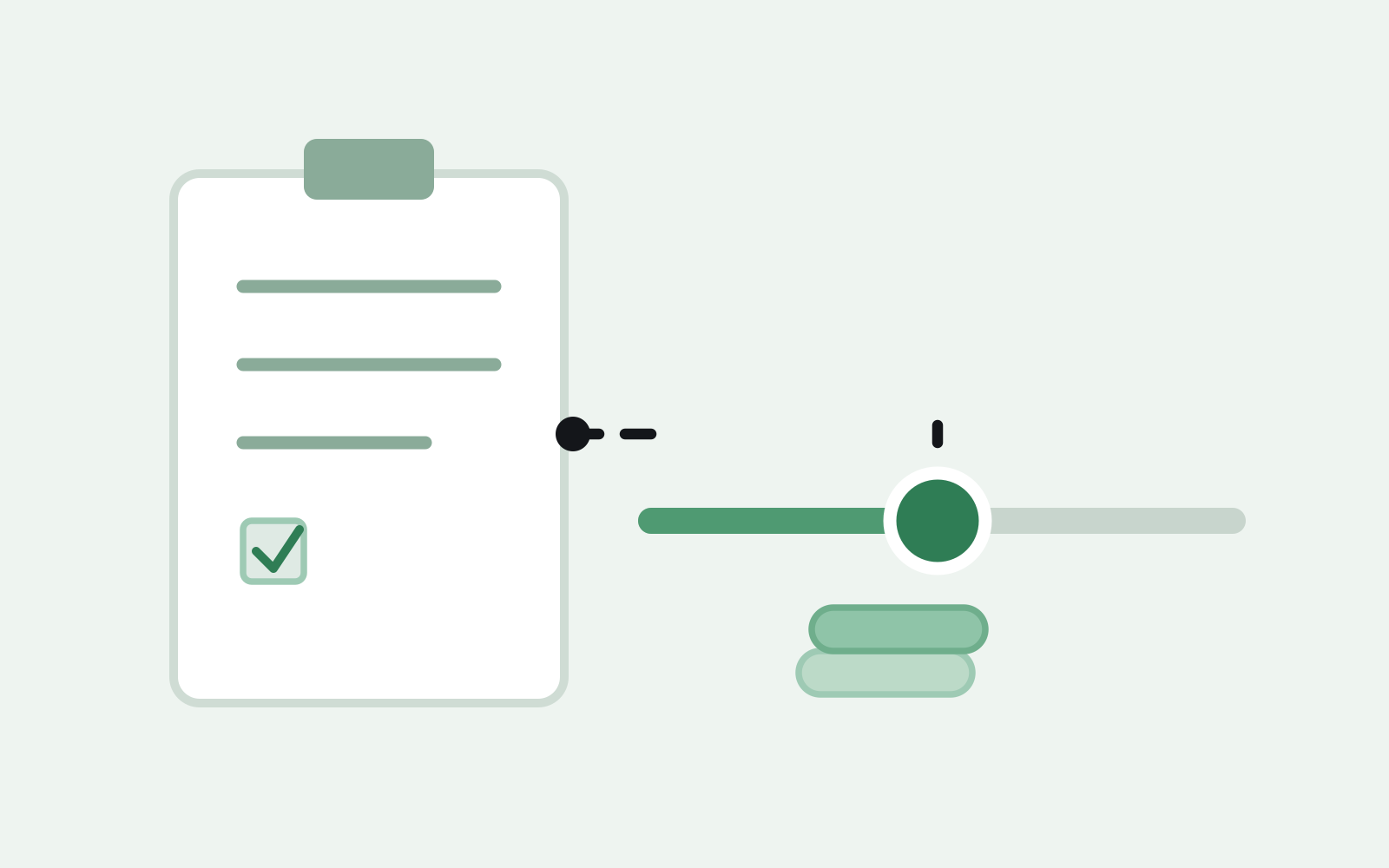
The update lives in Seller Central under your return settings, and it gives you three levers instead of one blanket policy:
- Price threshold — set a dollar ceiling (commonly landing somewhere in the $1–$75 range depending on category) under which a refund can be issued without the item coming back.
- Category rules — apply different thresholds to different product types, so a low-margin accessory and a higher-value SKU in the same store don’t get treated the same way.
- Return reason — allow the item to stay with the buyer when the reason is something like “changed my mind,” while still requiring a return when the buyer reports damage or a defect, so you keep the ability to inspect the units most likely to reveal a real product problem.
Rule changes typically take a day or two to propagate across your catalog, so don’t expect them to apply the moment you save — check your reports a few days later before assuming a rule didn’t take effect. It’s also worth revisiting your settings by category rather than setting one number for your whole store; a $70 kitchen appliance and a $4 phone case have nothing in common cost-wise, and a single threshold treats them as if they do.
When returnless refunds help you — and when they cost you
On the surface, skipping the return looks like a clean win: you avoid the return shipping fee Amazon would otherwise charge, you skip the labor of processing an inbound unit, and the buyer walks away happy without a return hassle. For a $6 phone case or a $12 kitchen gadget, that math usually works in your favor — the shipping and handling you’d spend processing the return often exceeds what the item is worth.
The tradeoff shows up on higher-value items. When a $60 item gets refunded without coming back, you’ve lost the full unit cost with no chance to resell it, donate it, or route it into a liquidation lot — the inventory is simply gone. You also lose the ability to inspect it, which matters if the stated return reason suggests a defect you’d otherwise want to catch before it repeats across the rest of your catalog. If your default settings are letting mid-value SKUs slip through this way, you may be giving away more margin than the saved shipping fee is worth.
There’s a second wrinkle worth planning around: tighter or looser settings change how much shows up in your returns pile at all, which affects the math on selling customer returns in bulk. Set your thresholds high and you’ll see less low-cost inventory flowing through that channel, with a higher concentration of pricier units in whatever does come back — which changes how you should grade and price the lot.
How to set your thresholds without guessing
Rather than picking a number that feels right, work backward from your own numbers:
- Pull your average return shipping and processing cost per unit. That’s the real number a skipped return saves you — not a guess, an actual figure from your own account.
- Compare it against your landed unit cost by category. If a category’s unit cost sits close to or below what processing a return costs you, letting the buyer keep the item usually makes sense. If unit cost runs several times higher, you want the item back.
- Set the price threshold at the point where those two numbers cross — not at Amazon’s suggested default, which is built for the average seller across the whole marketplace, not your specific catalog.
- Exclude defect-related return reasons regardless of price, so a lost unit never hides a product issue you’d want to catch early.
- Re-check the thresholds seasonally. A price point that made sense in the spring may not hold once Q4 return volume and shipping costs shift.
What to do with the returns that do come back
Even with tighter settings, you’ll still have units flowing back — and once a return lot accumulates past a few dozen units, hand-relisting each one stops making sense. That’s the point where it’s worth grading the lot honestly (resellable, cosmetic, damaged, salvage) before you decide what to do with it. If you haven’t built that process yet, our guide on how to sell customer returns in bulk walks through grading a mixed lot before pricing it, and our inventory manifest guide covers what a buyer needs to see before they’ll quote a lot with confidence.
Whether the pile in front of you is customer returns, FBA removals, or slow-moving overstock sitting alongside it, the fastest path to turning it into cash without hand-processing every unit is selling the lot as one bulk transaction. If you’d rather see a number than keep guessing, get an instant quote from Recouply and let someone else handle the sorting.
FAQ: Amazon returnless refunds
Do returnless refunds hurt my account health metrics?
No — resolving a return this way tends to help your performance metrics rather than hurt them, since the customer’s issue gets closed out immediately with no back-and-forth. The real cost shows up in lost inventory and margin, not on your seller health dashboard.
Can I get an item back after a returnless refund is issued?
Generally no. Once Amazon issues the refund without requiring the item back, there’s no built-in mechanism to reclaim that specific unit. That’s exactly why the settings matter more than any after-the-fact fix — the decision has to happen at the threshold level, before the refund goes out.
What’s the difference between this and a normal FBA return?
A normal FBA return ships the item back to a fulfillment center, where it’s inspected, graded, and either returned to sellable inventory, marked unfulfillable, or made available for removal. A returnless refund skips all of that — the buyer keeps the item, and it never re-enters your inventory in any condition.